My profile
U

Basic info

Gender

Channel

Chats

No conversations yet

AI image generation

AI image generator discovery on Channel AI

Channel AI gives users a place to browse AI image generator styles, create character portraits or scenes, and move between visual prompts and companion discovery.

  • Generator discovery by visual style
  • Character portraits and scene ideas
  • Prompt-friendly creation paths
  • Connected companion and video paths
Channel AI AI image generator page preview

What you can do

Choose a generator style

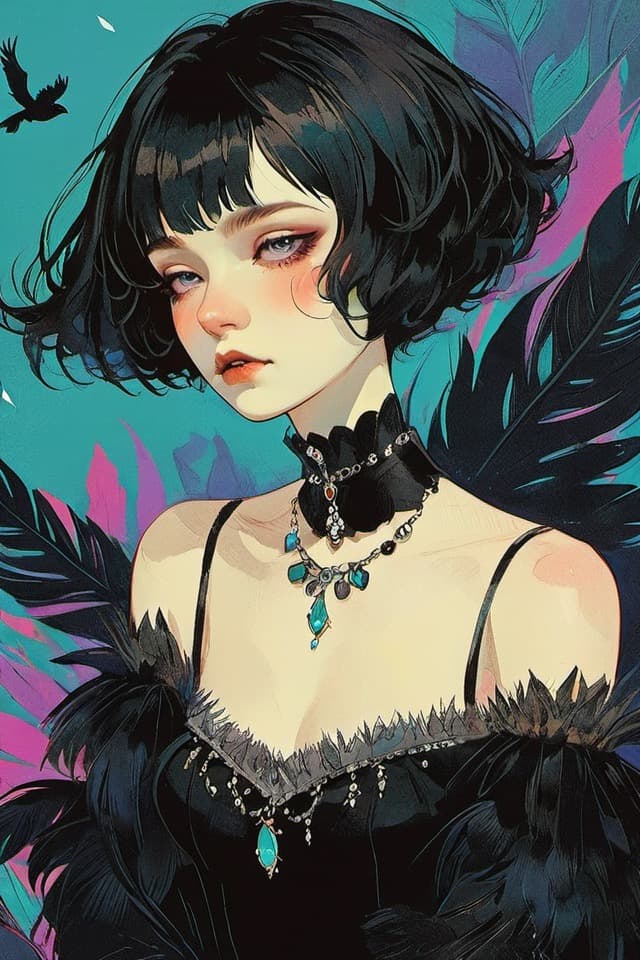
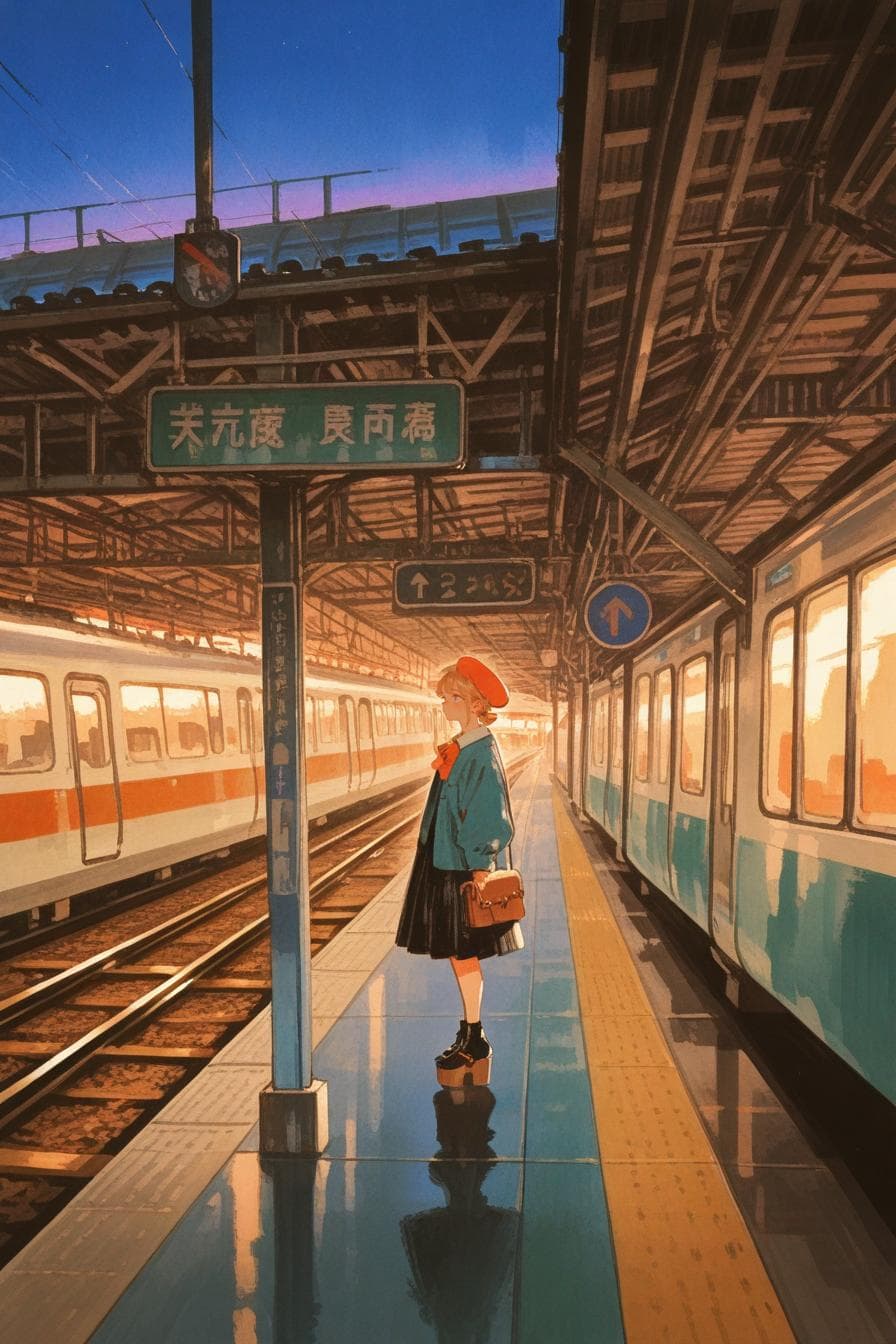
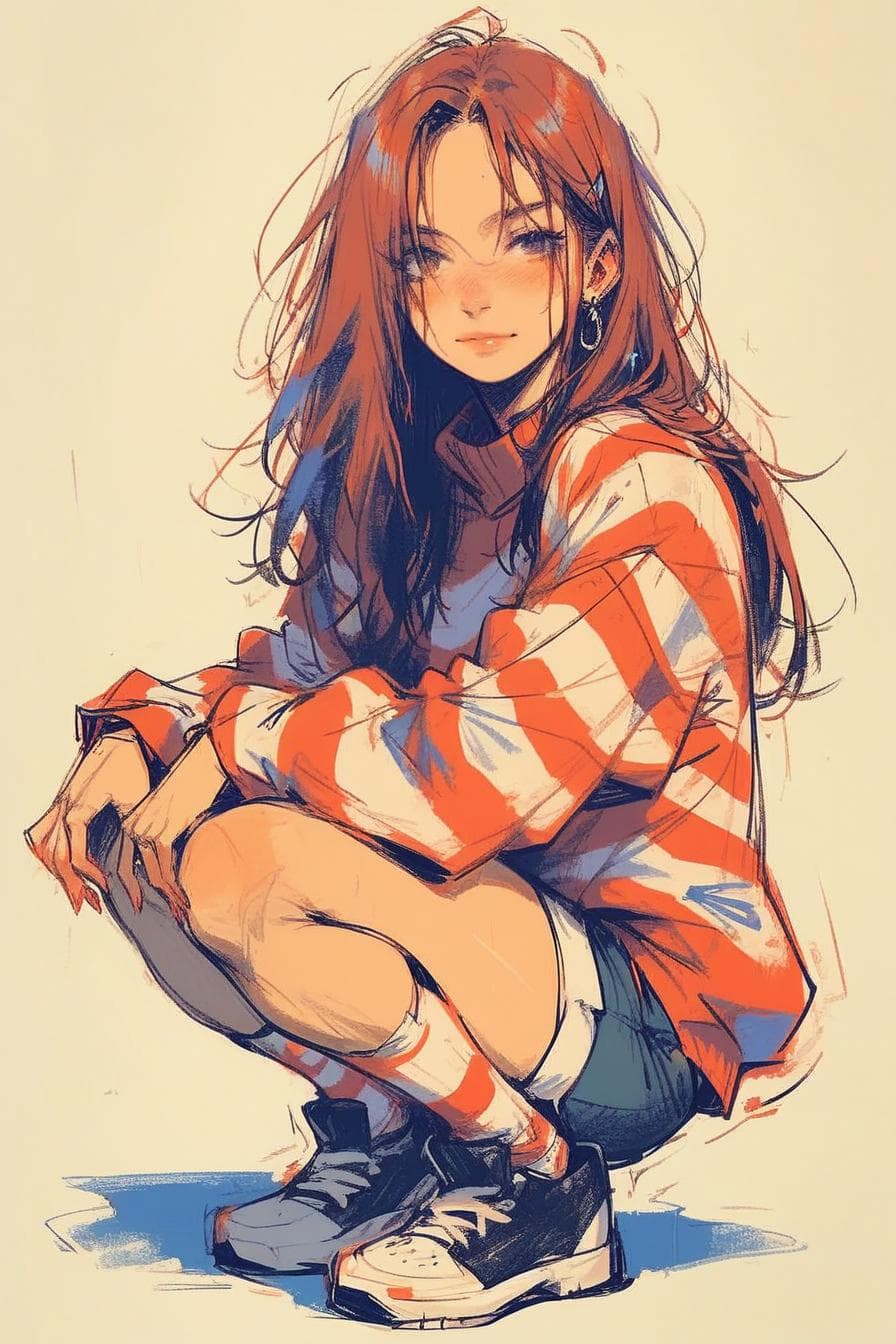
Browse generator bots for portraits, anime looks, realistic scenes, and visual prompt ideas.

Describe the image naturally

Use plain language to explain a character, scene, style, or creative direction.

Continue into the product

Move from visual creation into companion discovery, plan review, or related resources.

How it works

What the image generator page helps with

Channel AI image generator search intent is about turning a visual idea into an image path: choosing a style, describing a prompt, and continuing into the product.

  • Pick a style first

    Generator discovery helps users choose realistic, illustrated, anime, portrait, scene, or avatar-oriented tools.

  • Describe the result

    Users can write prompts in natural language instead of needing model-specific syntax at the start.

  • Use examples as direction

    The directory gives users a way to compare outputs and decide which generator fits the idea.
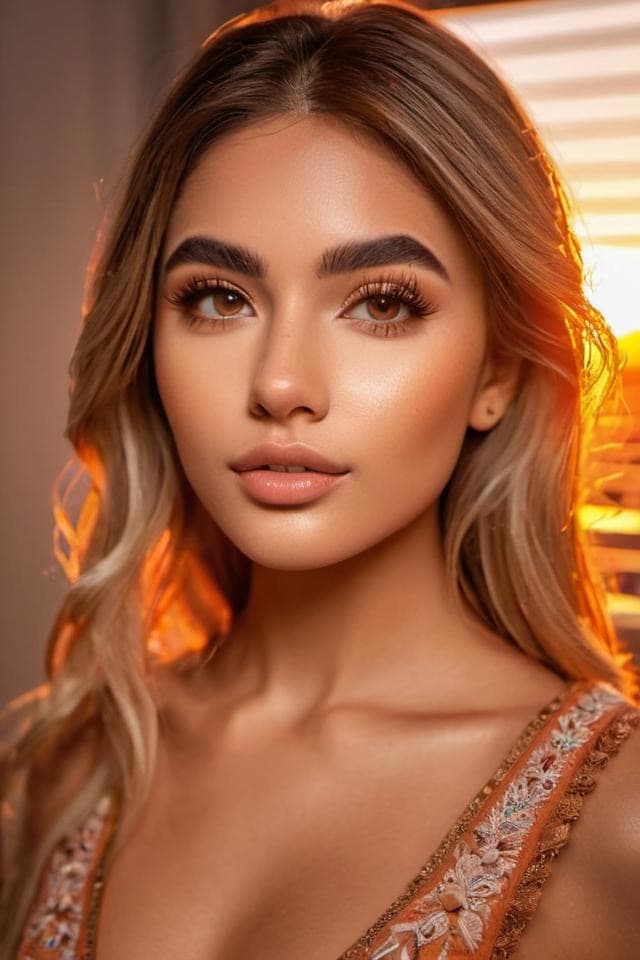
How prompts connect to companions

The page explains why image generation belongs near companion discovery: many users want both the character conversation and the visual version of the idea.

  • Character portraits

    Create a face, outfit, expression, or avatar concept that matches a companion idea.

  • Scenes and settings

    Generate backgrounds, story moments, or environments that make a conversation more vivid.

  • Video paths can follow

    Channel can connect generated images to video generation paths where available.

Tips before generating

The landing page gives searchers enough practical detail to understand what to try next without duplicating the full generator UI.

  • Be concrete

    Mention subject, style, setting, lighting, pose, and any important constraints.

  • Iterate in steps

    If the result is close but not right, adjust one or two details instead of rewriting everything.

  • Check plan details

    Generation costs and access can vary, so pricing remains linked for current limits.

Product highlights

FAQ

Does Channel AI have AI image generators?

Yes. The image generator directory helps users browse generator bots and start visual creation.

Can I use natural language prompts?

Users can describe the image they want in plain language, then continue refining through the product experience where available.

How is this different from companion chat?

Image generation focuses on visual output, while companion chat focuses on conversation. The product connects both paths where useful.

Start with Channel AI

Move from the landing page into companion discovery, image creation, or plan review.