Channel AI guide

How to choose an AI image generator on Channel AI

Match the generator to the image style, subject, and workflow you want before spending time refining prompts on Channel AI.
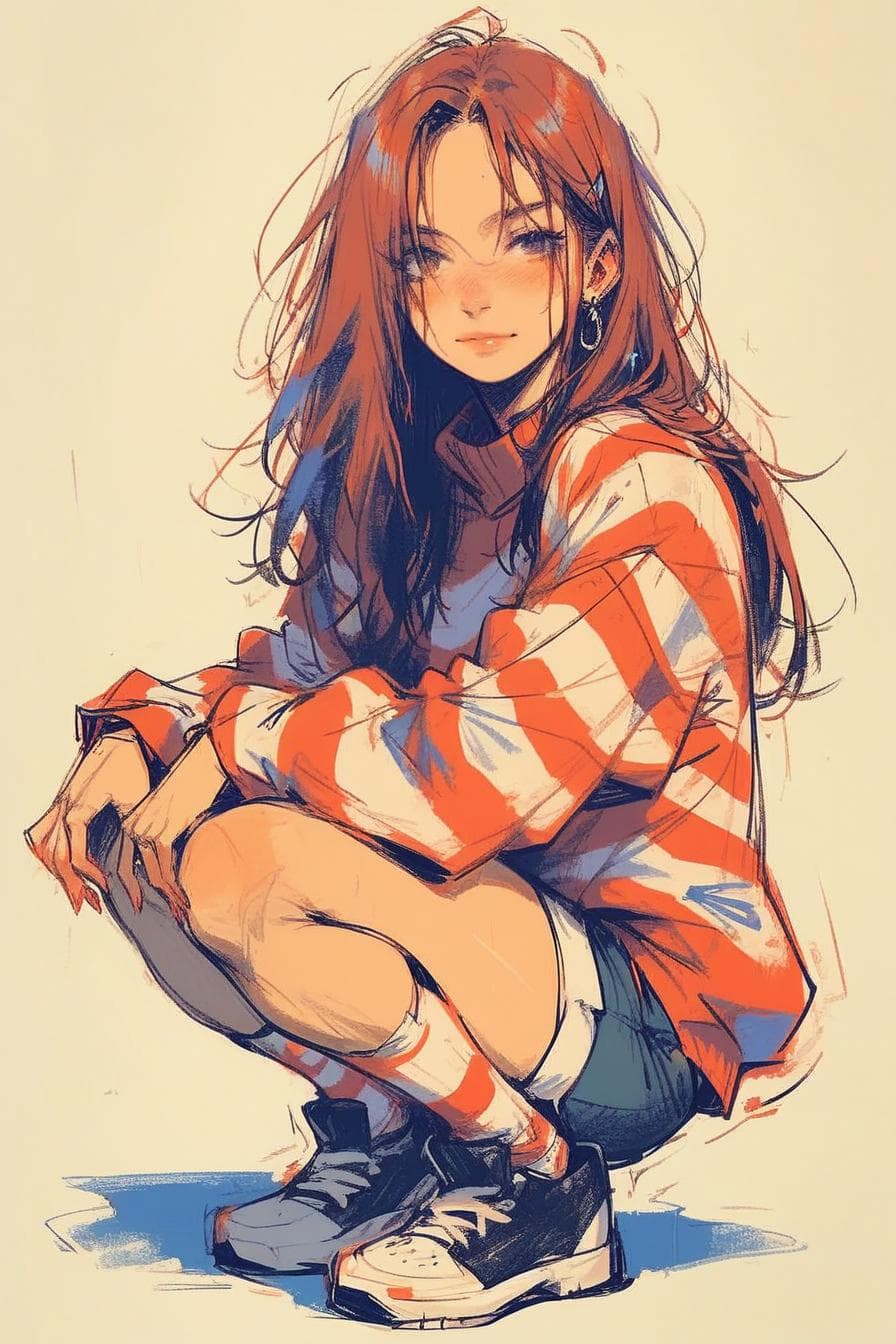
Sketch-style AI character from the Channel AI public image feed
A sketch-style character example for prompt and generator guides.

Quick answer

  • Choose by style first, then by workflow: portrait, anime, scene, product-like image, or visual roleplay idea.
  • Use example images and generator descriptions to see whether the model already matches your target.
  • Check pricing and usage details before running a long sequence of generations.
Steps

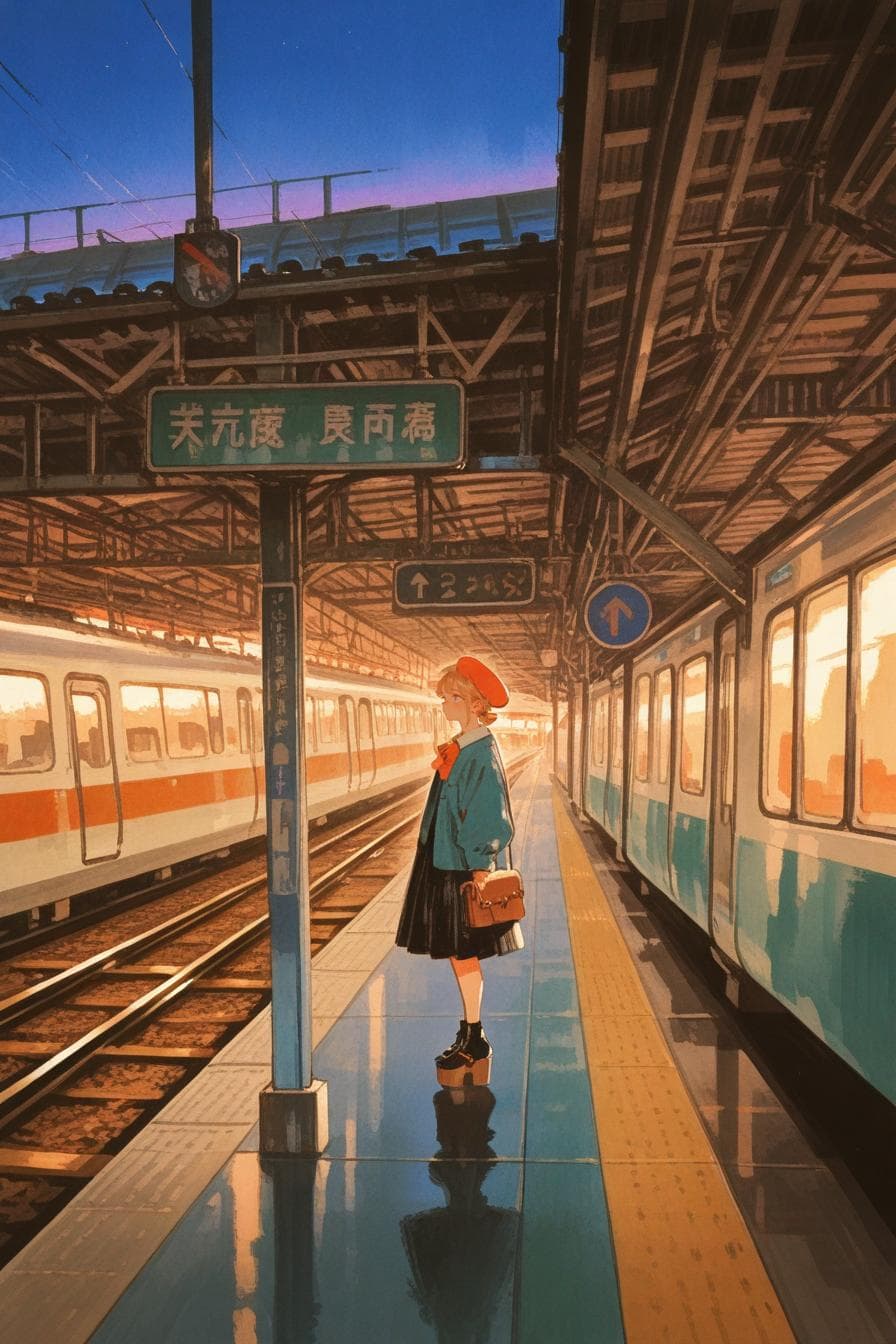
Watercolor-style character scene from the Channel AI public image feed

Step 1

Match the generator to the style

A good generator choice starts with the image category you actually need on Channel AI.

  • For character portraits, look for examples that match the face, pose, and realism level you want.
  • For illustrated or anime styles, choose a generator whose examples already sit near that visual language.
  • For scenes, prioritize generators that show backgrounds, lighting, and composition rather than only close-up faces.
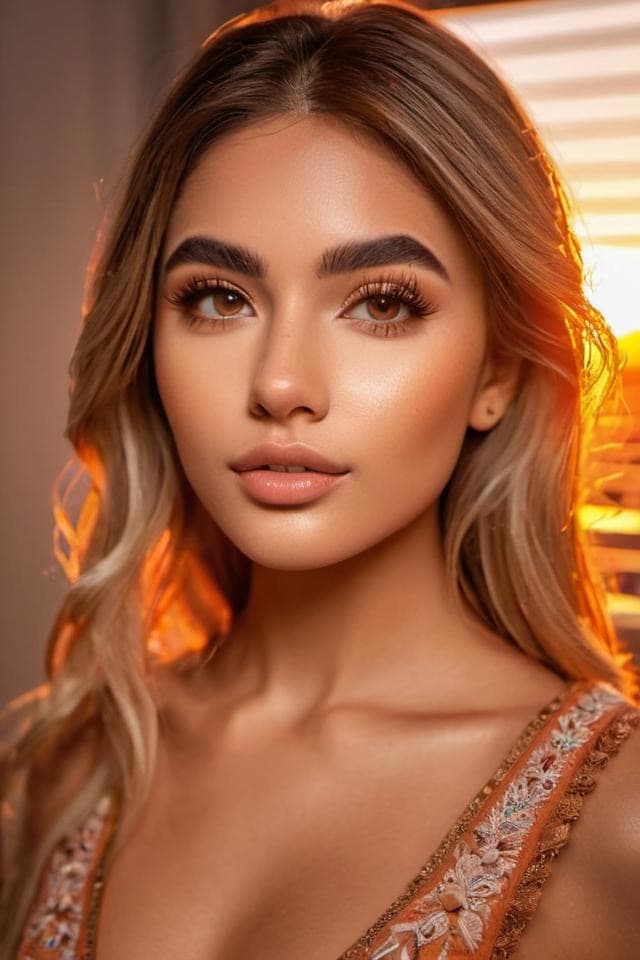
Realistic AI character portrait from the Channel AI public image feed

Step 2

Compare controls and follow-up actions

The best generator is the one that gives enough control without making the flow slow.

  • Look for suggested prompts when you need a quick start.
  • Use reroll, variant, upscale, or create-more actions when available after tapping into an image.
  • If the output misses the style, adjust the prompt, try a different generator, or reset the conversation context.
Abstract blue image generation example from the Channel AI public feed

Step 3

Check account and usage needs

Generation costs and plan details can change, so current product surfaces are the source of truth.

  • Review the pricing page before creating many images.
  • Check whether the flow you want is available to your current account state.
  • Use resources and support links when a generation result looks like a technical issue.

FAQ

Should I use the most popular image generator first?

Popularity is useful, but style fit matters more. Start with a generator whose examples already look close to your target image.

Can I keep changing an image after generation?

You can continue prompting or use available follow-up actions, but uploaded-image editing support may vary. Check the current product flow for what is supported.

Where should I check current generation costs?

Use the pricing and in-product energy surfaces because model access, plan details, and costs can change.