Channel AI curated generator
Anime art generator on Channel AI
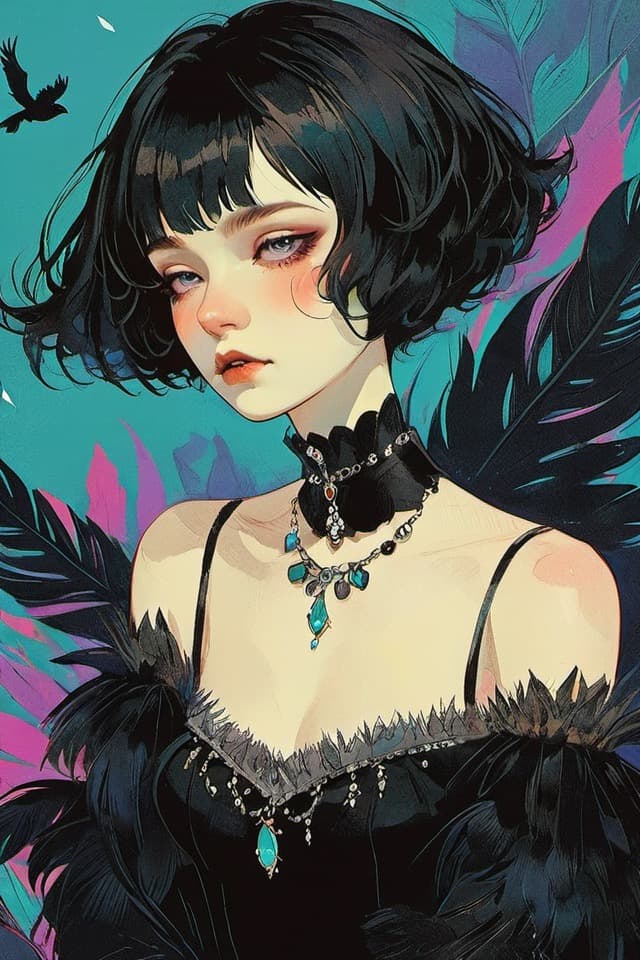
Use Channel AI anime art generators for illustrated characters, expressive poses, stylized outfits, and scene ideas with prompt examples you can adapt.
Best for
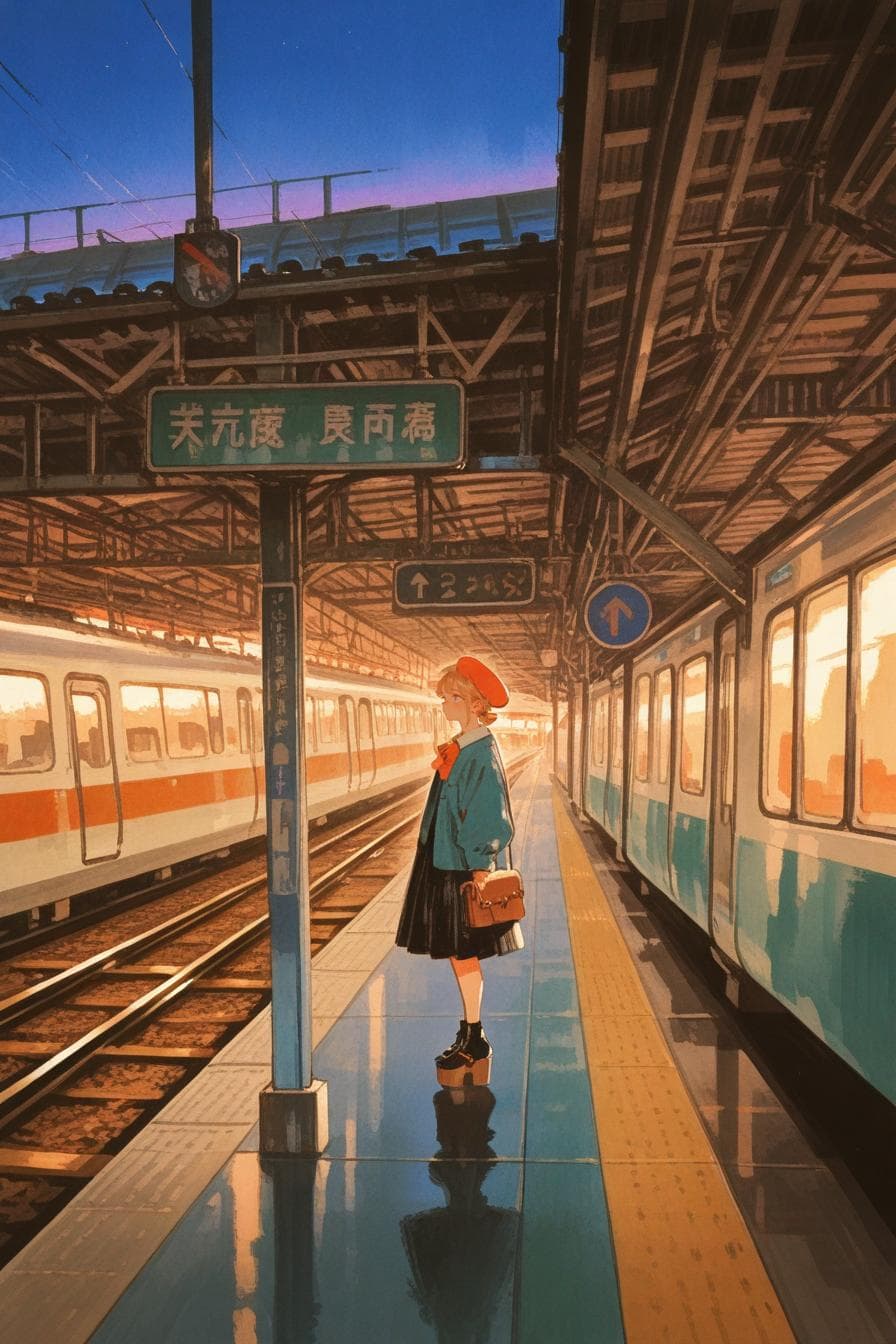
- Best for anime-inspired character art, stylized avatars, and illustrated scenes.
- Name the character type, pose, outfit, palette, background, and rendering style.
- Keep prompts concrete when you want the generator to preserve a specific look.
Prompt examples
Bright character illustration
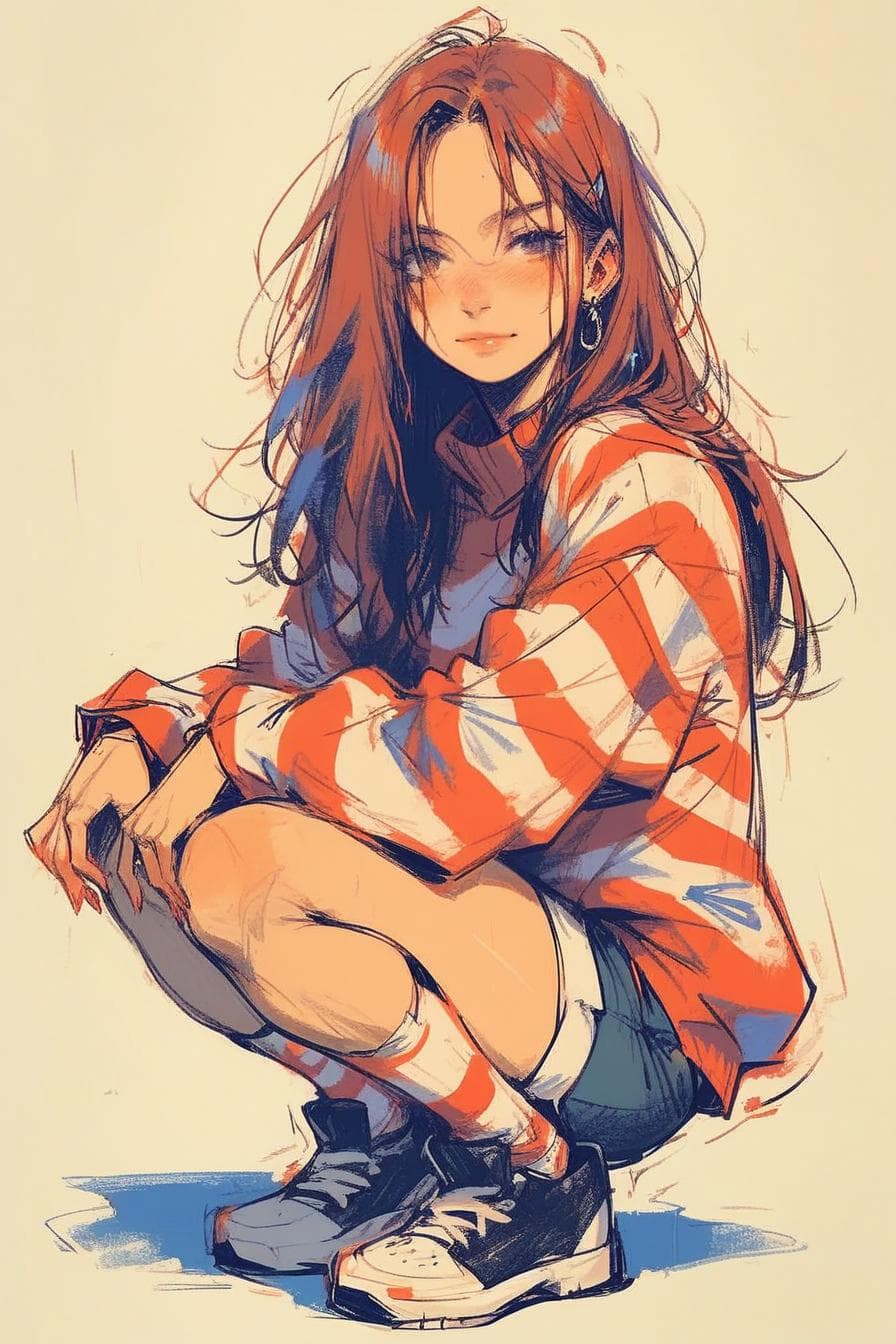
An anime-style character illustration, energetic pose, bright jacket, city background, clean linework, soft shading
Good for expressive character ideas with a clear modern setting.
Fantasy anime scene
An anime fantasy traveler standing near a glowing forest path, detailed cloak, twilight colors, painterly background
Use when the scene and character should feel connected.
Simple avatar art
A polished anime avatar, head-and-shoulders framing, pastel palette, simple background, expressive eyes
Useful when the output needs to stay readable as a profile image.
FAQ
How do I prompt an anime art generator?
Start with the character, then add pose, clothing, expression, background, palette, and rendering style. Keep the most important details near the beginning.
Can anime generators create both portraits and scenes?
Yes. Use tighter framing for portraits and add location, lighting, and action details when you want a fuller scene.
Why does my anime prompt change styles?
Style can drift when the prompt asks for conflicting looks. Keep the art direction consistent and adjust one visual dimension at a time.