Step 1
Choose the companion concept
Decide what the companion should help with before you write profile copy. Channel AI combines companion discovery, AI assistants, image generation, video generation where available, and product resources in one web app.
- Name the companion role in plain language, such as study assistant, fantasy character, or casual chat companion.
- Write down the personality, tone, and scenario you want the first chat to remember.
- Keep permanent visual traits separate from temporary scene details so generated images stay consistent.
Step 2
Create or choose the starting image
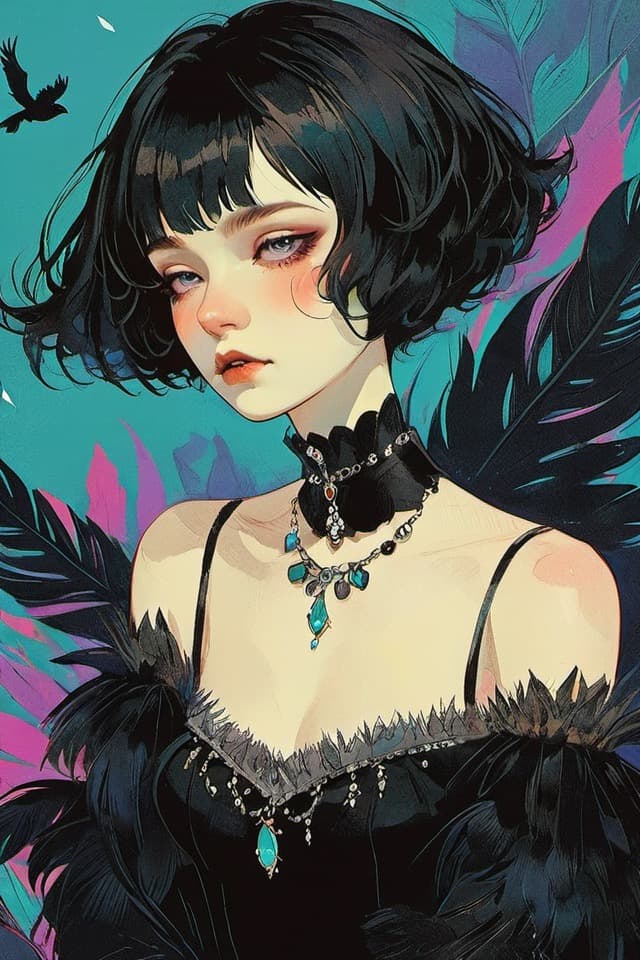
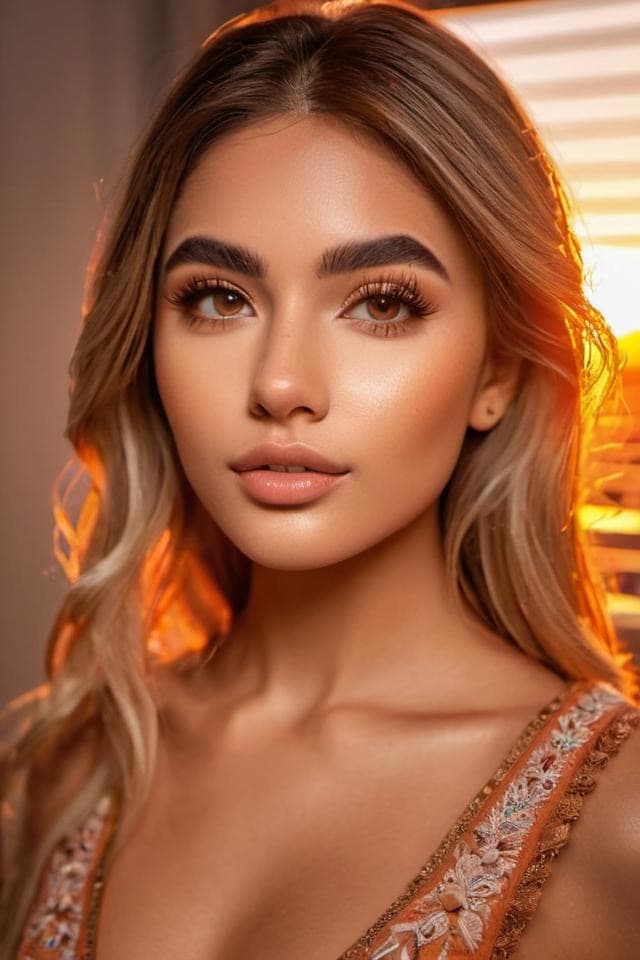
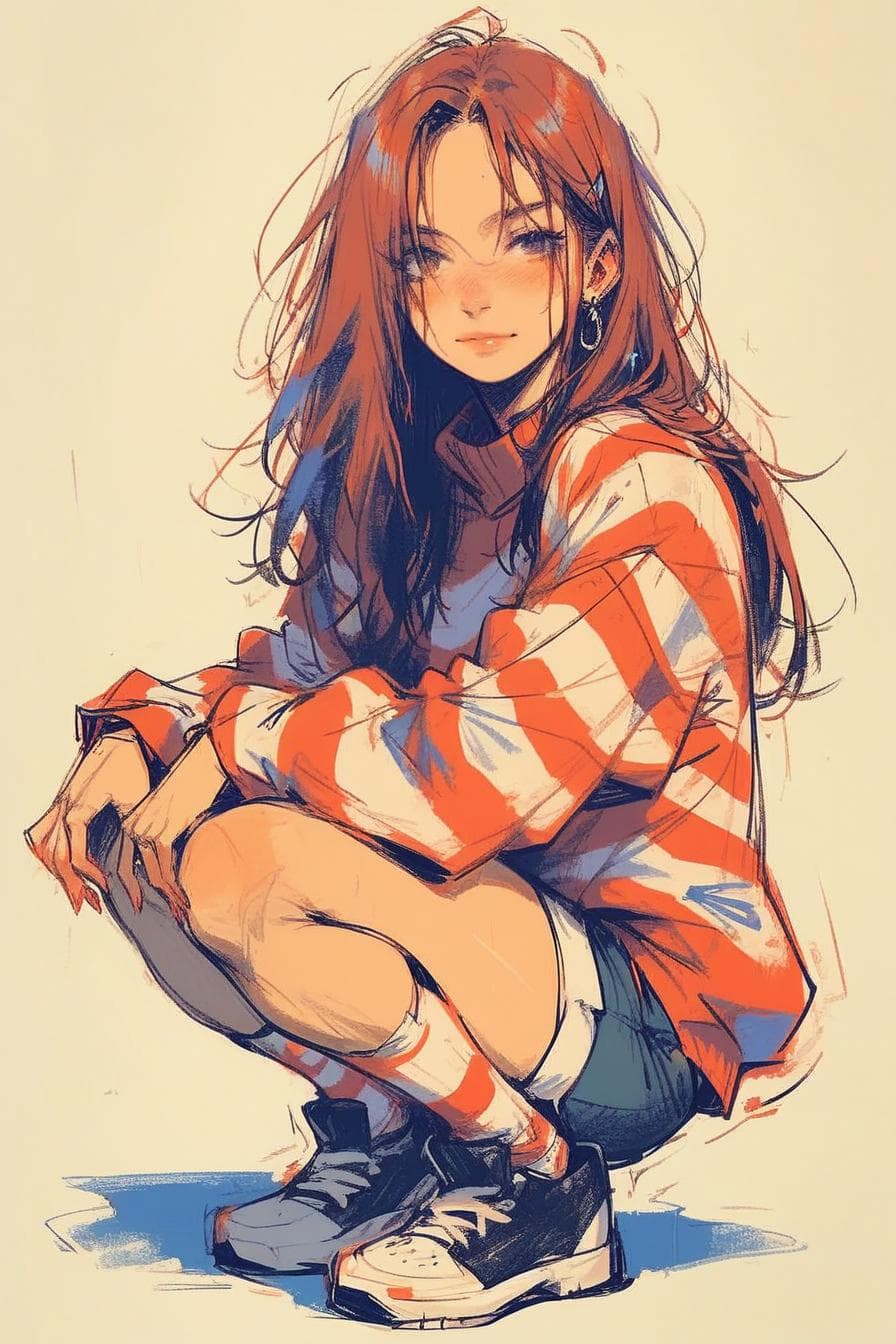
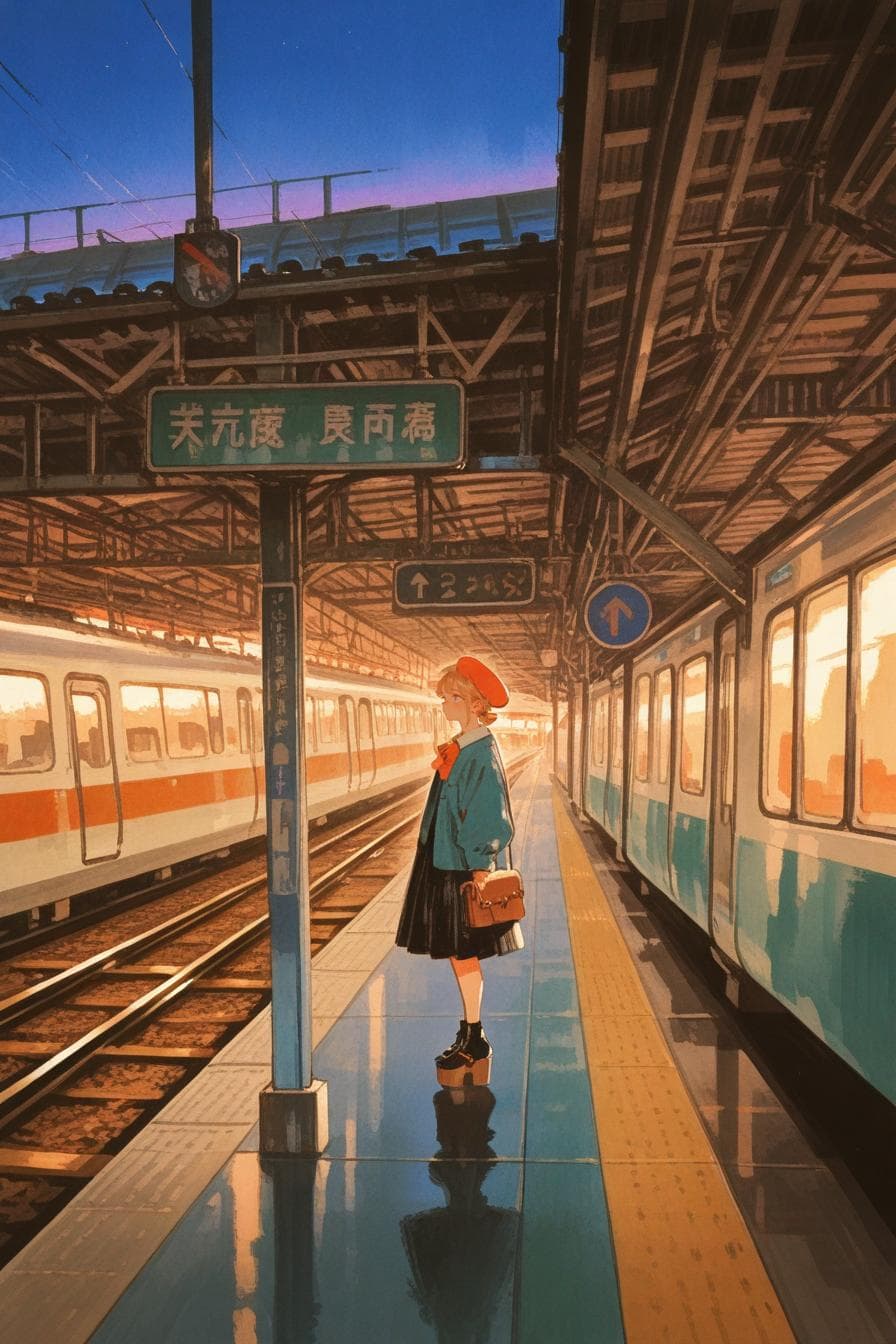
For a visual companion, start from an image generator when you need more control over the avatar concept on Channel AI.
- Describe stable traits like hair, build, clothing style, and visual mood before adding scene details.
- Use rerolls or variants when available to compare similar options before committing.
- After choosing an image, use the create flow to turn the image into a companion profile.
Step 3
Write the profile and greeting
The profile tells the companion who it is, while the greeting sets the first scene and tone.
- Make the greeting specific enough to start a conversation without forcing one exact script forever.
- Use formatting sparingly when you want narration and dialogue to be visually distinct.
- Start a test chat, then adjust the greeting or description if the companion feels off-topic.